Welcome
 Why this Unit?
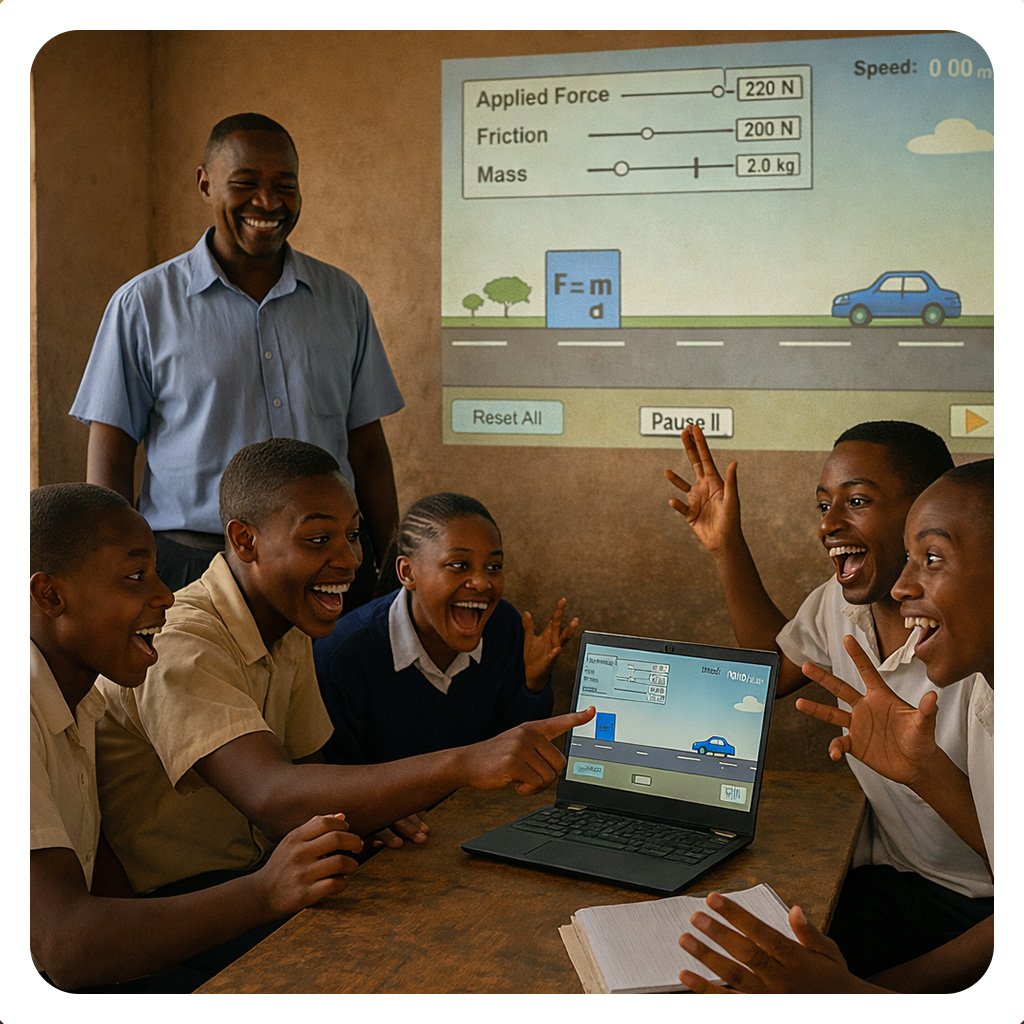
Creating multimedia teaching resources is essential for capturing your students' attention, supporting diverse learning styles, and making complex concepts more accessible through visual and interactive content. When you develop your own videos, graphics, and simulations, you create personalized, contextually relevant materials that deepen understanding and engagement in your classroom. Recent national documents, such as the National Digital Education Strategy Guidelines for Schools and Teacher Colleges, National AI Guidelines in Education, and Education and Training Policy 2014, 2023 Edition, encourage educators to leverage multimedia and digital authoring tools to enhance teaching and learning across all levels. In this Unit, you will develop knowledge of multimedia fundamentals and simulations, use digital authoring tools to create lessons, courses, or programmes, and produce videos, graphics, 3D models, and other multimedia for use as teaching and learning aids. By the end of this Unit, you will feel more confident designing and producing professional-quality multimedia resources that align with your curriculum and learners' needs. This Unit is designed to support you as a creative, tech-enabled educator who transforms content into dynamic, visually rich learning experiences that advance quality education in Tanzania.
Unit Competencies
Recommended time: 2 hours
In this lesson we will explore the important principles of multimedia learning and their application in designing effective educational content. We will explore examining the reasoning processes involved and the research-backed strategies that improve learning.
Study the resources 1, 2, and 3 and then attempt the assignment,
Having watched the video “Mayer’s Principles of Multimedia Learning” complete the tasks below. Your submission should be 150–200 words, include examples, and show clear connection between theory and practice.
Introduction
The future of education in Tanzania is increasingly digital. To truly support the national vision and enhance student mastery of complex topics, we must move beyond static text and into dynamic digital content including videos, animations, interactive simulations, and audio lessons.
First, we will look at "pillar 3" of the Digital National Strategy (pages 31-32). This will help us understand its plan for creating and using multimedia content, and how it plans to put the digital curriculum into action. Click on the "Strategy attached: MoEST (2022). National Digital Education Strategy" to learn more
Because we explore effective content design, it is essential that we connect our work directly to the national framework.
The Competency-Based Curriculum (CBC) relies heavily on engaging methods, making multimedia a key element in successful teaching and learning. To ensure that your use of digital tools (like videos, animations, and interactive content) meets the country's educational objectives, You are encouraged to focus on Chapter 3 to familiarize yourself with the ICT Competency Standards for Teachers.
This document the ICT Competency Standards for Teachers clarifies ways digital integration, and thus multimedia content, is expected to enhance our teaching and learning. Read the document, focusing on Chapter 3 and make your own quick notes.
You have been introduced to Core Pillar 3 which is about Digital Content Development. This pillar is dedicated to ensuring the education system has the necessary digital and multimedia resources to teach the curriculum effectively. You may also have found that it focuses on the development of high-quality "Digital Contents," which are defined broadly to include audio, video, and images for teaching and learning purposes. Let us examine how to review the curriculum when preparing lesson media. Please open this page.
Discussion
Watch the video below and then answer the following questions.
Let us see if you have retained any of the information shared here. Take the short quiz below.
 Introduction
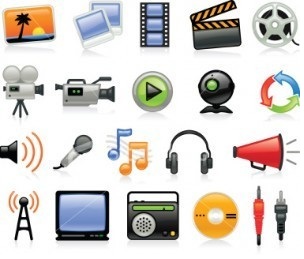
In teaching, there are many multimedia tools you can use such as videos, audio recordings, and interactive slides. However, the best tool depends on your goal and what you want learners to do or experience. Always start by asking yourself:
“What do I want my learners to learn, do, or experience?”
Lesson Outcomes
By the end of this lesson, you will be able to:
Instructions
Attempt the questions on selecting appropriate tools
Introduction
Dear teacher, this lesson will guide you through the main steps in creating, editing, and using multimedia for teaching. It includes short explanations, embedded videos, and self-check activities to help you apply what you learn.
Lesson Outcomes
By the end of this lesson, you will be able to:
Go through the resource on "How to create and insert multimedia into your lessons" and engage in the discussion forum.
Assignment
This assignment helps you reflect on how you have developed the knowledge, skills, and attitudes from the unit Creating Multimedia for Teaching and Learning.
You will demonstrate evidence that you can select, create, and integrate multimedia tools effectively in teaching and learning. Click on the assignment "Demonstrating Competency Achievement" to work on the assignment and submit it.
At this point, you have covered how to develop knowledge of the fundamentals of multimedia and simulations and create basic multimedia tools that serve as effective teaching and learning aids, use digital authoring tools to create a lesson, course, or programme, and create videos, graphics, such as 3D models, and other multimedia for use as teaching and learning aids. It is now time to engage in discussions with other teachers and share how you are creating and using multimedia resources to enhance your classroom practice. Click on the Discussion Forum below and read the instructions carefully. Click on "Reply" and post your answers based on your learning and classroom experience. Once you have shared your post, please read contributions from your fellow educators and reply to at least two posts to exchange ideas, practical tips, and successes in creating multimedia teaching resources. Your participation helps us build a stronger community of practice and inspires creative, collaborative development of engaging digital learning materials across our schools.
It is time to check your understanding of this Unit. Take a quick, friendly quiz to see how well you can develop multimedia fundamentals, use digital authoring tools to create lessons, and produce videos, graphics, and 3D models as effective teaching aids!

In this Unit, you covered the fundamentals of multimedia and simulations to create effective teaching and learning aids. You engaged in learning activities and participated in the discussion forum to share what you learned about using digital authoring tools to build lessons, courses, or programmes. You also practiced creating videos, graphics, 3D models, and other multimedia resources that enhance student engagement and understanding. By exploring these creative skills, you now have practical ways to produce dynamic, visually rich content for your classroom.
You have done wonderful work building your confidence in creating multimedia teaching resources from scratch. Now that you can use authoring tools and produce videos, graphics, and 3D models, you are ready to make your lessons more interactive and memorable for your learners. Keep experimenting with different multimedia formats and share your creations with colleagues to inspire collaborative innovation. Congratulations on completing this unit and becoming a skilled creator of engaging digital teaching resources.
Creating Multimedia Teaching Resources by Tanzanian Ministry of Education Science, and Technology is licensed under a Creative Commons Attribution-ShareAlike 4.0 International License.