Unit 5: Integrating word processing into learning

Before beginning this unit you should already be confident in completing the following tasks in Microsoft Word (MS Word):
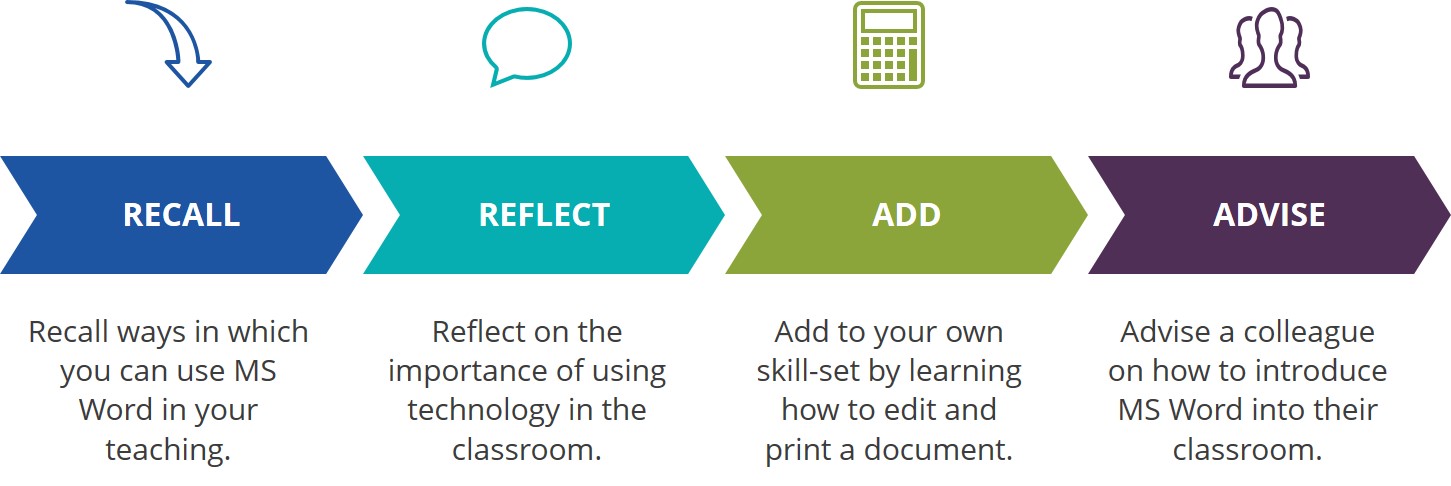
This unit will give you the opportunity to learn how to use MS Word in order to edit an existing document and how to print a document once you have completed it. Throughout this lesson you will be challenged to think about ways in which you can encourage your learners to use MS Word in their classroom activities and homework assignments.
By the end of the lesson you should be able to the following:
Click on the link below to begin your lesson:

Mrs Khumalo needs some ideas on how she can introduce MS Word in her teaching. You are going to help Mrs Khumalo to feel more comfortable using technology, specifically MS Word, in her classroom.

Helpful hint:
In addition to getting ideas from your colleagues at school, try doing some of your own internet research to find ideas on how to use MS Word in teaching and learning.
Click on the link above to upload your completed Portfolio Assessment document.
Click on the link above to upload your lesson plan showing evidence of you or your learners using MS Word in a lesson.
Open Educational Resources:
Full Copyright (but free to use)

This unit on Integrating a Word Processor into Learning, part of the Teachers' ICT Integration Course by Matthew Goniwe School of Leadership and Governance is licensed under a Creative Commons Attribution-ShareAlike 4.0 International License with the exception of the following resources:
Goodwill Foundation. (2017). MS Word 2016 Tutorials.
All content not licensed under a Creative Commons license is all rights reserved, and you must request permission from the copyright owner to use this material.