Welcome
Why this Unit?
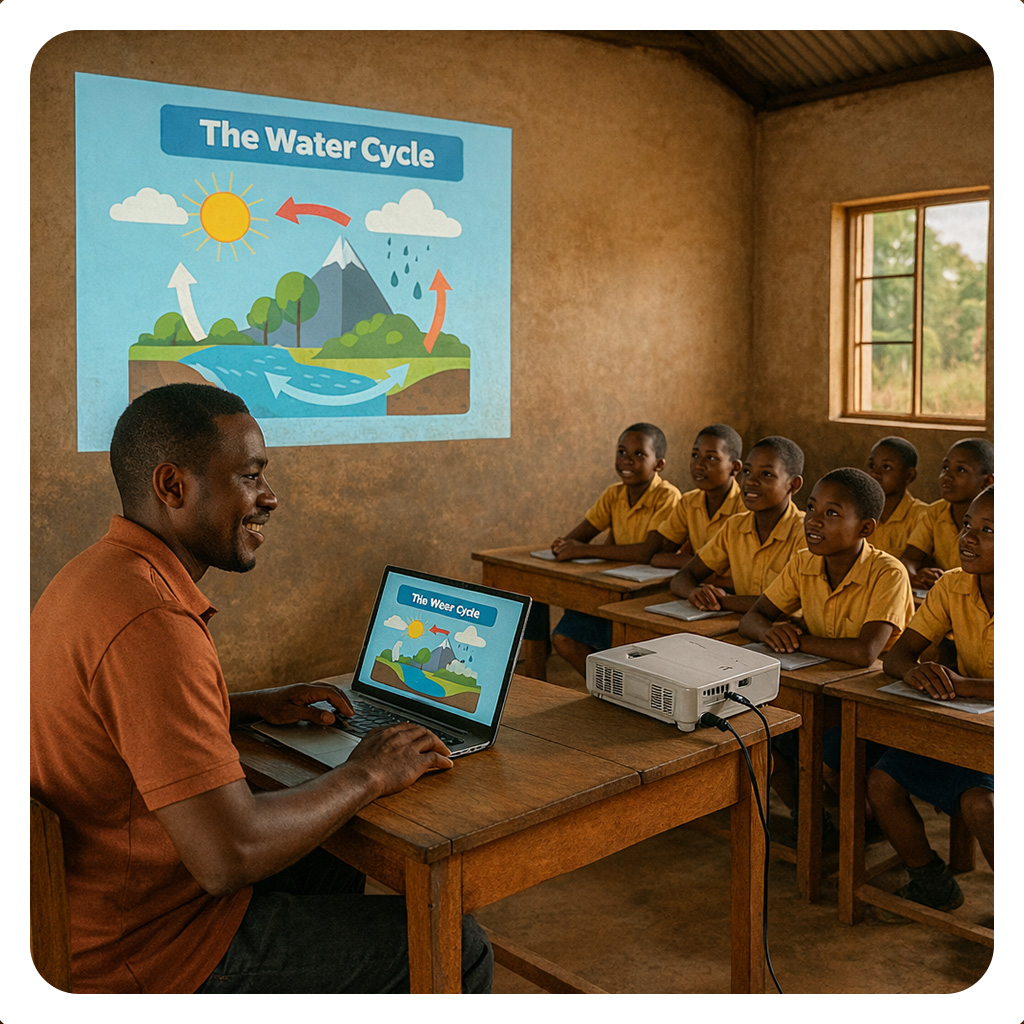
Creating your own digital resources is essential for delivering personalized, engaging content that meets your learners' diverse needs and aligns with your curriculum goals. When you author multimedia materials and structured digital lessons, you take ownership of your teaching practice and create resources that are relevant, accessible, and impactful for your students. Recent national documents, such as the National Digital Education Strategy Guidelines for Schools and Teacher Colleges, National AI Guidelines in Education, and Education and Training Policy 2014, 2023 Edition, encourage educators to develop and share high-quality digital content using appropriate tools and universal formats. In this Unit, you will learn to integrate multimedia and simulations into teaching, design visually engaging presentations, create structured digital lessons and courses, develop curriculum materials using digital tools, and publish and share resources in universal formats. By the end of this Unit, you will feel more confident producing professional-quality digital resources that enhance learning and can be easily shared with colleagues and learners. This Unit is designed to support you as a creative, tech-savvy educator who transforms ideas into dynamic, reusable teaching materials that advance quality education in Tanzania.
Unit Competencies
By the end of the Unit, you will be able to:
Introduction
Multimedia in education is more than decoration — it deepens understanding, sparks curiosity, and supports different learning styles by combining text, images, audio, video, animations, and simulations. It helps teachers explain complex ideas in clearer and more engaging ways — for example, videos can demonstrate experiments, infographics can simplify concepts, and simulations let learners explore real situations safely. Used well, multimedia makes learning active, inclusive, and more meaningful.
In this lesson, you’ll explore the fundamentals of multimedia and begin creating your own teaching aids using tools like Canva, Clipchamp, Audacity, and simulation platforms like PhET. You’ll learn how to design resources that are not only informative but also visually appealing and pedagogically sound. Let’s unlock the power of multimedia to make learning more vivid, accessible, and memorable.
Lesson Outcomes
By the end of this lesson, you will be able:
 Introduction
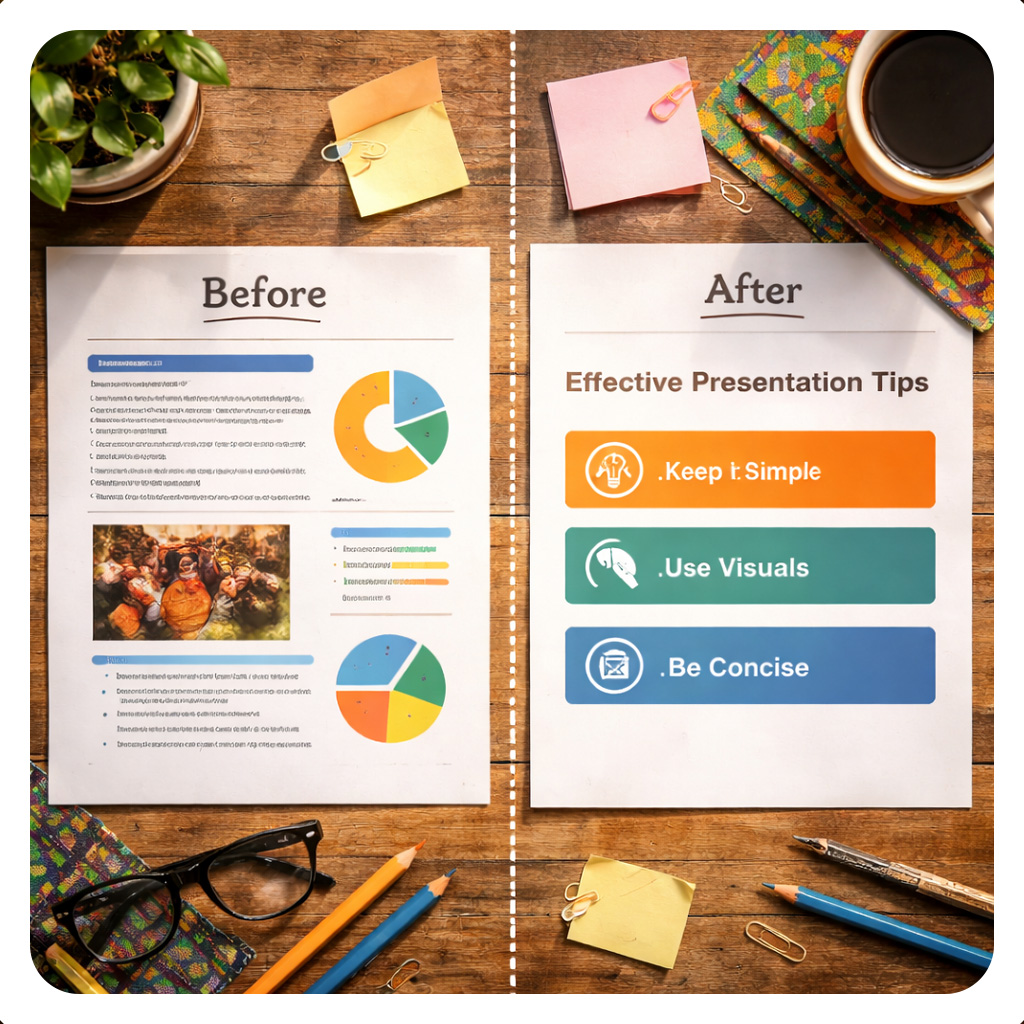
Microsoft PowerPoint is more than a slide tool. It enables teachers to combine text, images, audio, video, and animations into a single, structured presentation that captures attention and simplifies complex ideas. When used well, PowerPoint can transform a traditional lesson into a visually engaging, interactive learning experience that supports different learning styles and keeps students focused.
Learning Outcomes
By the end of this lesson, you will be able to:
Instructions
Let us start Lesson 2 by exploring the essential terms, core features, and educational benefits of this powerful presentation tool. Understanding how PowerPoint works and why it is valuable in teaching will lay the foundation for creating engaging, effective classroom materials.
 Introduction
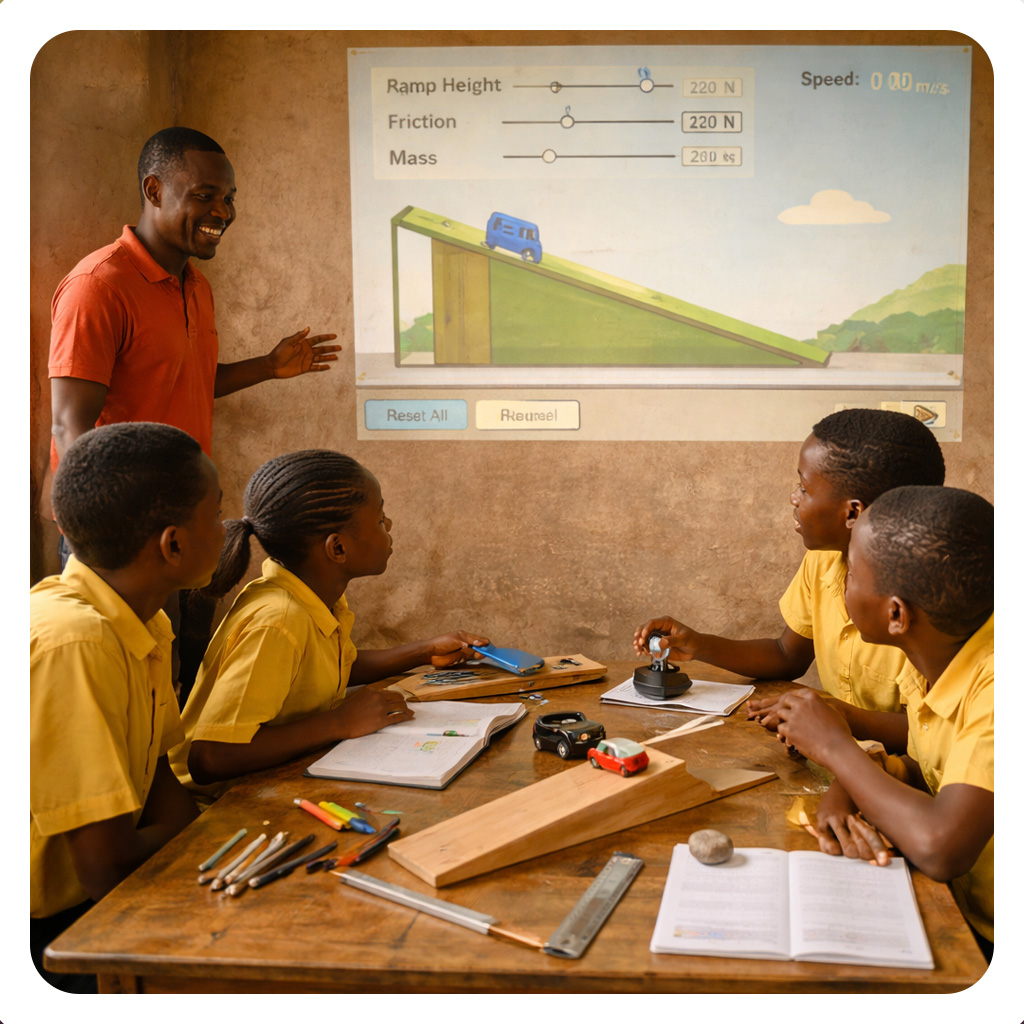
Educational simulations let learners step inside real-world situations that would otherwise be too expensive, dangerous, or impossible to replicate in a classroom. By exploring and making decisions in these safe, interactive environments, students gain deeper understanding and retain knowledge more effectively than through explanation alone.
Lesson Outcomes
By the end of this lesson you will be able to:
Instructions
Let’s begin Lesson 3 by accessing relevant resources on simulations
Introduction
Digital authoring tools help self-learning teachers create well-organised, interactive, and multimedia-rich lessons. These tools enable educators to combine text, images, audio, video, and quizzes to produce engaging materials that support learner-centred teaching. In Tanzanian secondary schools, they improve lesson clarity, promote student participation, and improve curriculum delivery.
By choosing suitable free or paid tools, including those that work, offline and teachers can independently design accessible and easy-to-navigate digital lessons. Overall, digital authoring tools support teacher autonomy, save preparation time, and promote innovative teaching aligned with Tanzania’s competency-based curriculum.Lesson Objectives
By the end of this lesson, you will be able to:
Instructions

In this Unit, you covered how to integrate multimedia and simulations into your teaching for interactive learning. You engaged in learning activities and participated in the discussion forum to share what you learned about designing visually engaging presentations. You also practiced creating structured digital lessons and developing curriculum materials using accessible digital authoring tools. By exploring publishing in universal formats, you now have practical ways to share your resources widely and effectively.
You have done fantastic work building your confidence in creating and sharing digital teaching resources. Now that you can design engaging presentations and structure digital lessons, you are ready to enrich your classroom practice. Keep experimenting with multimedia tools and sharing your creations to inspire collaborative innovation with colleagues. Congratulations on completing this unit and becoming a skilled author of digital educational resources.
References
Authoring Digital Resources by Tanzanian Ministry of Education, Science and Technology is licensed under a Creative Commons Attribution-ShareAlike 4.0 International License.