Resource 2: PowerPoint Tutorials
What is Microsoft PowerPoint?
Microsoft PowerPoint is a presentation software used to create visual slide decks for teaching, training, and communication. It allows users to combine text, images, audio, video, charts, and animations to deliver structured content interactively.
Microsoft Office PowerPoint Key Features and Characteristics
Microsoft PowerPoint program offers a range of features that make it a powerful tool for teaching and learning, these features includes:
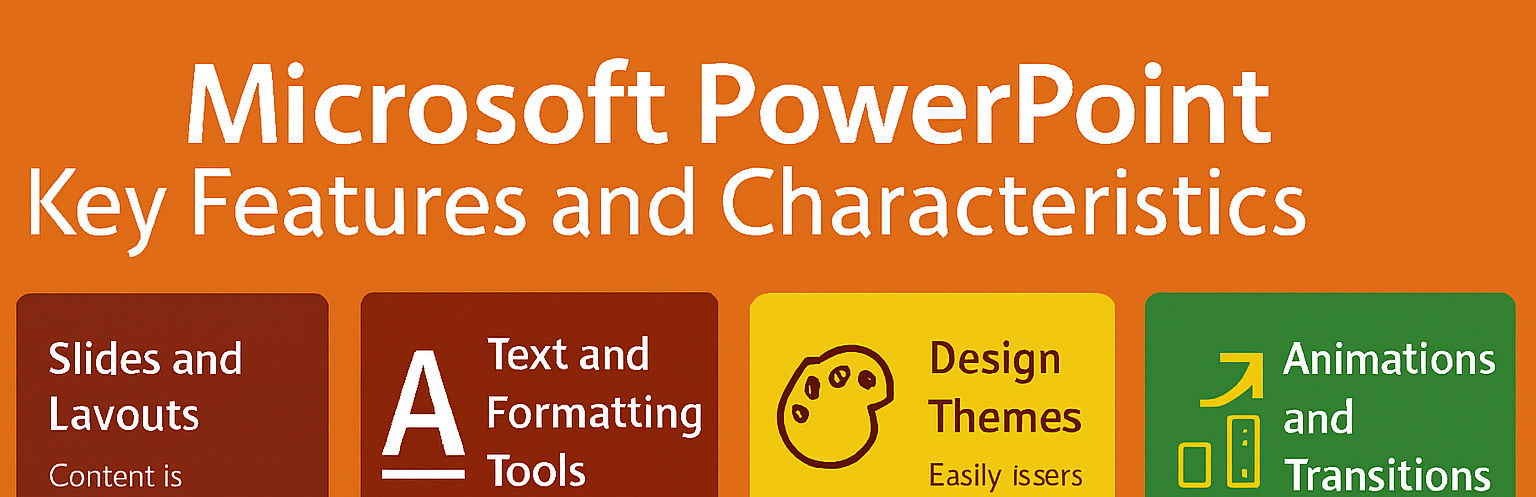
- Slides and Layouts: Content is organized into individual slides, each with customizable layouts.
- Text and Formatting Tools: Add titles, bullet points, and formatted text to structure information clearly.
- Design Themes: Built-in templates and themes help create visually appealing presentations.
- Multimedia Integration: Easily insert images, audio clips, videos, and charts to enrich content.
- Animations and Transitions: Add movement to text and objects or create smooth transitions between slides.
- Presenter Tools: Use speaker notes, slide sorter, and rehearsal mode to prepare and deliver presentations.
- Export Options: Save presentations as PDFs, videos, or share them online for flexible access.
Benefits of Microsoft Office PowerPoint in Education
Microsoft PowerPoint offers several advantages that make it a valuable tool for educators and learners:
- Visual Engagement: Combines text, visuals, and multimedia to capture attention and improve understanding.
- Structured Delivery: Helps organize lessons in a logical, step-by-step format.
- Multisensory Learning: Supports visual and auditory learners through images, sound, and video.
- Reusability: Presentations can be saved, edited, and reused across different lessons or classes.
- Accessibility: Slides can be printed, shared digitally, or adapted for learners with special needs.
- Interactive Learning: Hyperlinks, quizzes, and embedded media can make presentations more interactive.
- Confidence Building: Helps teachers present with clarity and students deliver projects with professionalism.
Hello teacher, Let’s Power Up with PowerPoint!
Today, you are diving into the exciting world of Microsoft Office PowerPoint, your digital chalkboard, storytelling canvas, and classroom stage all in one. You will learn how to locate PowerPoint on your computer or digital devices, start a new presentation, insert and organize slides, customize backgrounds, and finally, use it to present your lesson in the class.
To guide you step-by-step, the friendly video tutorials were selected to walk you through everything, from opening PowerPoint to delivering your first presentation with confidence.
Ready to begin? Open PowerPoint, follow along with the videos, and start building your first presentation slide by slide. Let’s turn your ideas into visuals that speak louder than words!
Now lets watch the video below which explain and examining PowerPoint features like views, design tab, SmartArt, transitions, and collaboration.