Resource 1: ICT Deployment Models
Introduction
The deployment of ICT tools in schools can take different forms depending on resources, learning goals, and accessibility needs. Common models include the computer laboratory or cluster model, the classroom-based model, the one-to-one (1:1) model, the mobile or bank ICT lab, and the use of teachers’ or learners’ mobile phones in schools. Each model offers unique advantages and challenges, which makes it important for schools to adopt approaches that best suit their specific contexts.
Computer Laboratory Model / Cluster model
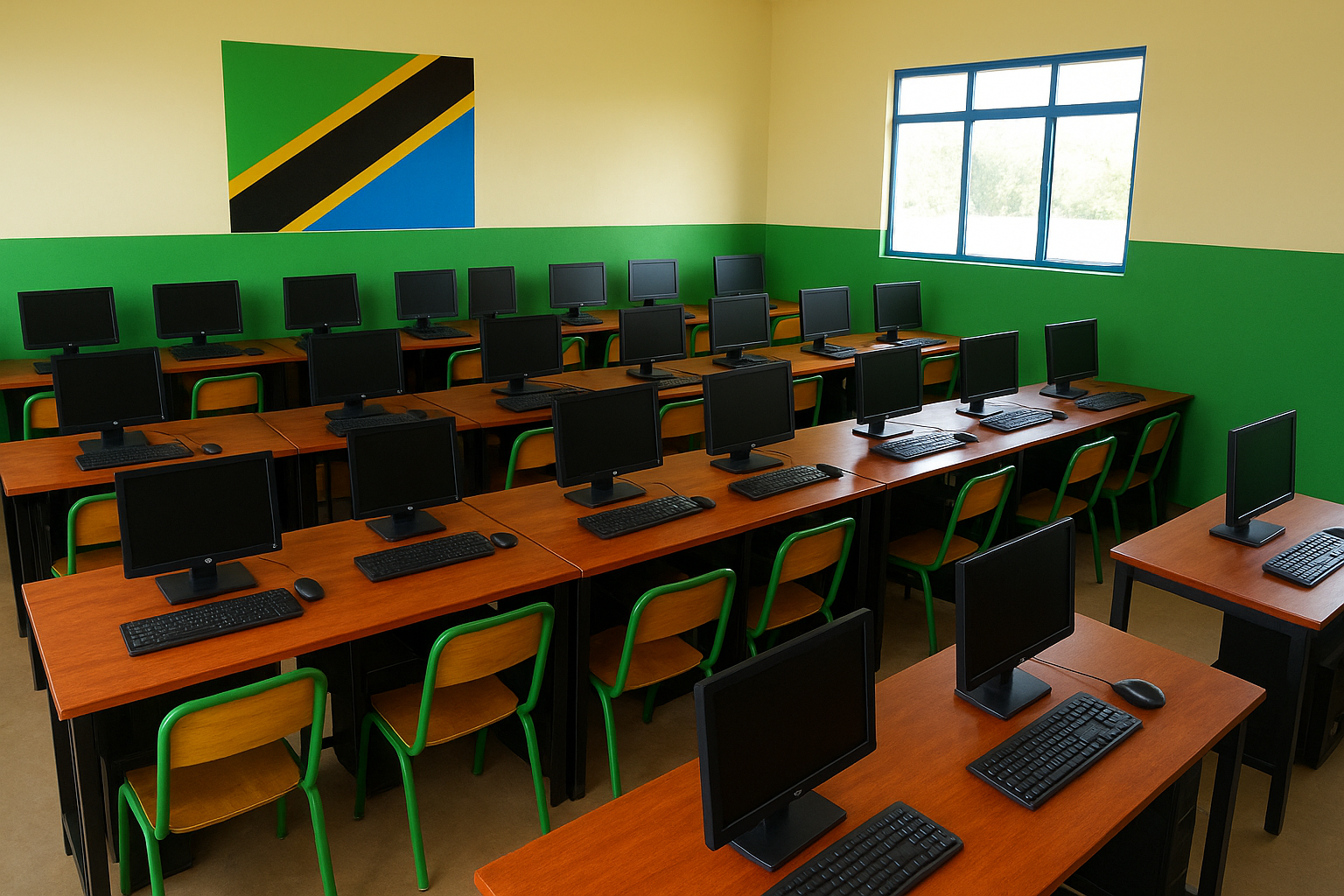
The Computer Laboratory Model, also known as the Cluster Model, involves placing computers in a dedicated lab or room within the school. Students visit the lab at scheduled times to take part in ICT lessons or work on digital projects. This model is easy to manage since all equipment is centralised in one location, making maintenance and supervision more efficient. It is particularly suitable for structured and teacher-led lessons. However, its main limitation is that access to computers is restricted to scheduled sessions, which means ICT use is not fully integrated across all subjects and daily learning activities.
Classroom-Based Model
The Classroom-Based Model involves installing ICT tools such as desktop computers, laptops, projectors, and smartboards directly in the classrooms. This allows both teachers and students to use technology during regular lessons without moving to a separate lab. In this model, teachers can design lessons using a station approach, where different groups of students engage in various activities within the same lesson. The main advantage of this model is that it promotes the integration of ICT into daily teaching and saves time that would otherwise be spent moving between rooms. However, it can be costly to implement since each classroom requires its own set of devices.
One-to-One (1:1) Model
The One-to-One (1:1) Model provides each student with their own digital device, such as a laptop, tablet, or Chromebook, to support learning. This model makes learning more personalised and interactive, allowing students to explore e-learning platforms and digital resources independently. It encourages self-directed learning and enables easy access to online materials anytime. However, it is expensive to implement and requires a reliable internet connection and regular technical maintenance. There are two main forms of the One-to-One model: school-owned devices, where the school provides and manages the equipment, and bring-your-own-device (BYOD), where students use their personal devices for learning.
Bring Your Own Device (BYOD) Model
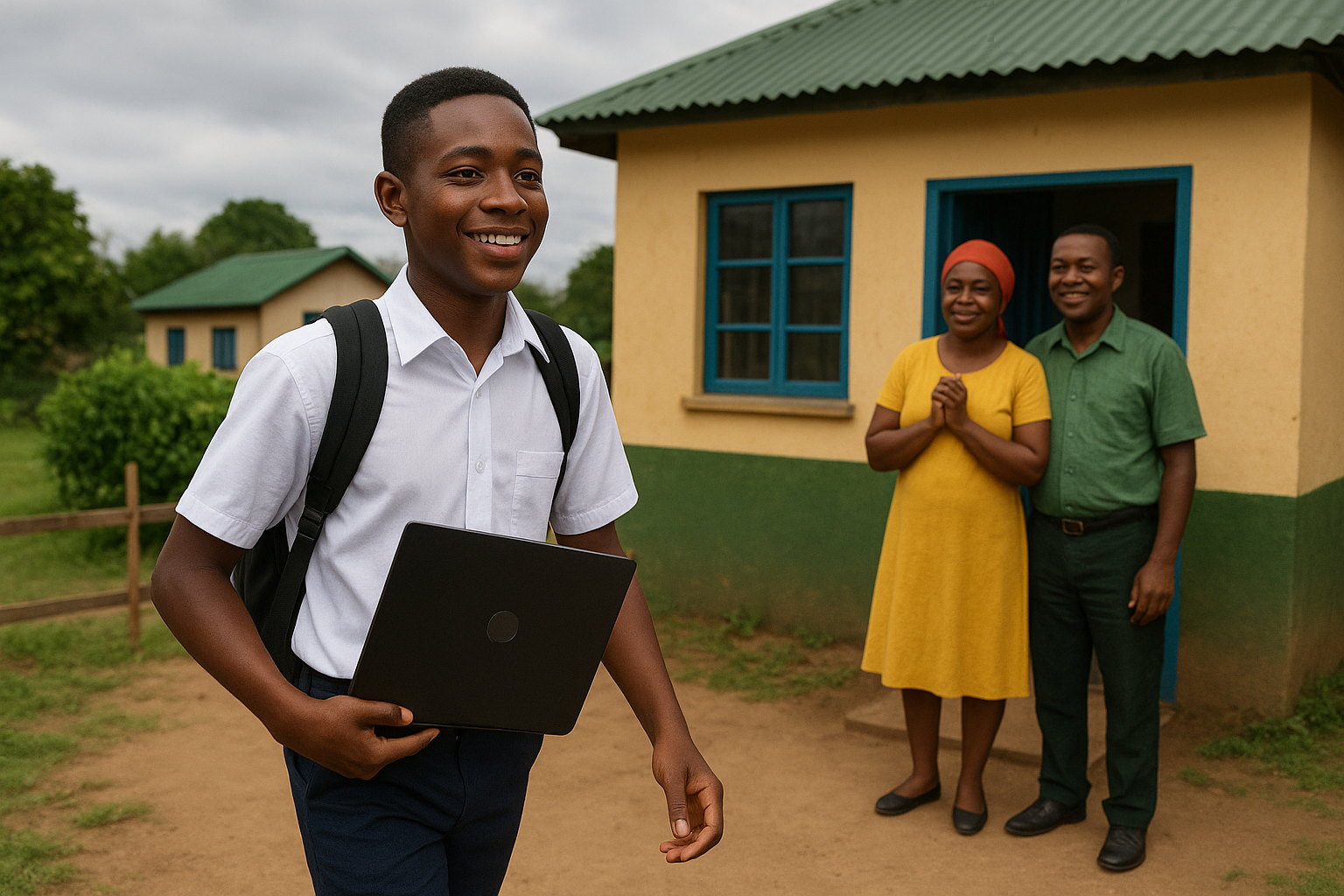
School plan to provide students with devices and Use of Teachers or Students’ Mobile Phones
In the School Plan to Provide Students with Devices model, each student is given a personal device such as a laptop or tablet for learning. The school also provides internet access and digital learning resources to support effective use of the devices. To ensure responsible and safe use, the school establishes clear policies on how the devices should be used. This approach helps avoid inequality among students, as everyone has equal access to digital tools. However, it can be expensive to implement and maintain, requiring strong internet connectivity, regular technical support, and effective security measures to protect both devices and data.Mobile/Bank
ICT Lab (Laptop/Tablet Carts)
Use of teachers or students’ mobile phones
The use of teachers’ or students’ mobile phones model involves using personal mobile devices to support learning both inside and outside the classroom. Phones can be used to access online resources, e-books, learning apps, educational videos, podcasts, and simulations, as well as for digital note-taking and reference. Teachers and students can also communicate beyond class through messaging apps, learning platforms, or discussion forums, and share materials easily. Additionally, mobile phones support assessments through online quizzes, digital assignment submissions, and instant feedback. This model enhances access to learning resources, promotes digital literacy, supports personalised learning, and increases engagement. However, it requires strong guidelines to ensure effective use and reduce risks such as distractions, cyberbullying, misuse, inequality, and privacy issues. Schools should develop clear policies on acceptable use, integrate phones into structured lessons, encourage responsible digital citizenship, and balance screen time with traditional learning activities.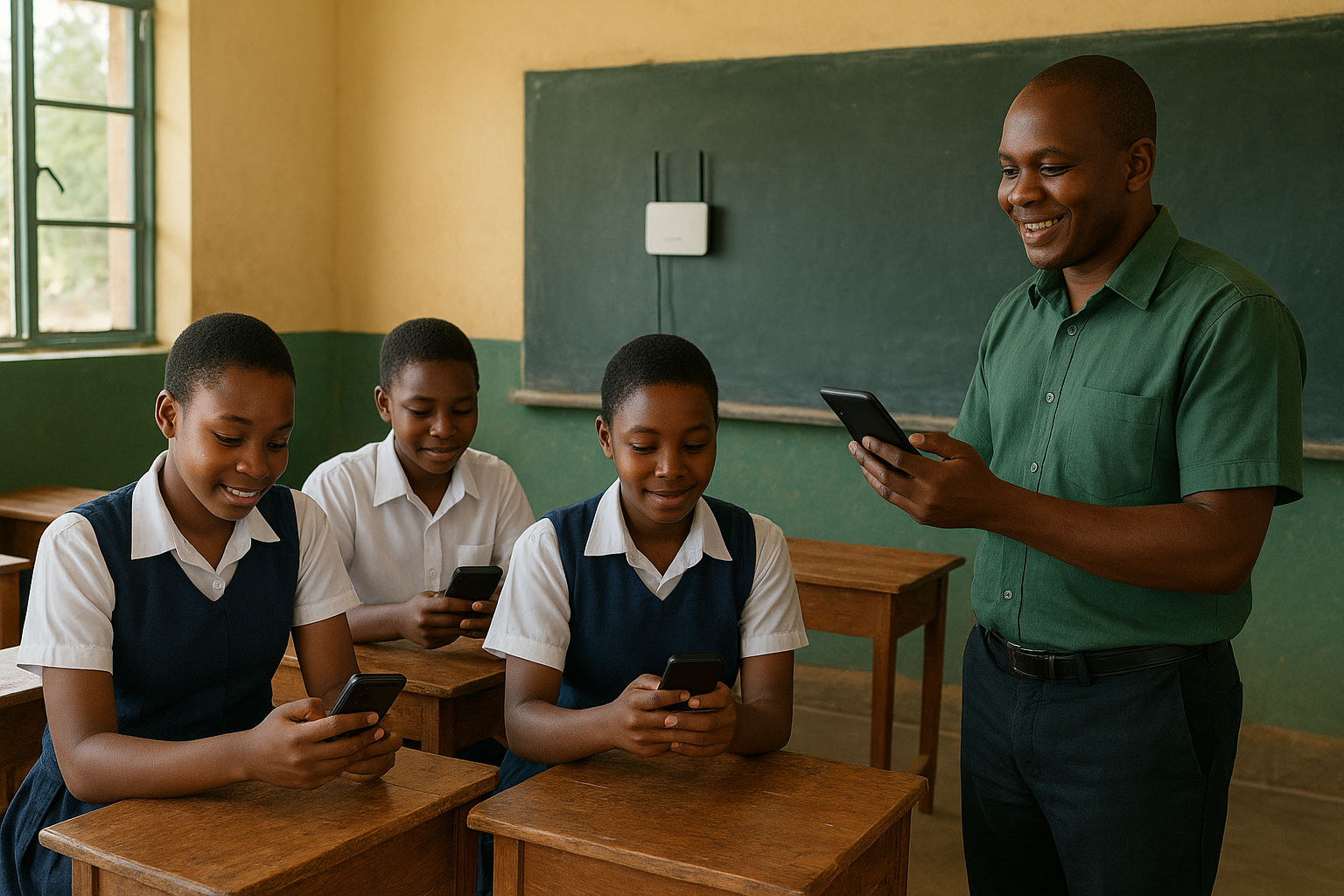
Summary
| ICT Deployment Model | Advantages | Limitations | Most Suitable For |
|---|---|---|---|
| Computer Laboratory / Cluster Model |
Centralised management of equipment; Easier maintenance and supervision; Suitable for structured ICT lessons |
Limited access due to scheduling; ICT use not fully integrated into daily lessons |
Schools with limited devices; Teacher-led ICT instruction; Basic digital skills training |
| Classroom-Based Model |
ICT integrated into daily teaching; Saves time moving between rooms; Supports collaborative and station-based learning |
High cost of equipping every classroom; Requires teacher confidence with technology |
Well-resourced schools; Subjects requiring regular ICT use; Active learning environments |
| One-to-One (1:1) Model |
Personalised learning; Continuous access to digital resources; Encourages independent and self-directed learning |
High cost of devices and maintenance; Requires reliable connectivity and technical support |
Schools with strong infrastructure; Blended, virtual, or flipped learning models |
| Bring Your Own Device (BYOD) |
Reduces school hardware costs; Learners use familiar devices; Flexible access to learning resources |
Inequality if learners lack devices; Network security and management challenges |
Secondary schools; Schools with clear usage policies; Supplementary ICT integration |
| School-Provided Personal Devices |
Equal access for all learners; Controlled and standardised devices; Supports long-term digital learning strategies |
Expensive to implement and maintain; Requires strong security and management systems |
Government-supported initiatives; Schools aiming for equity and consistency |
| Mobile / Bank ICT Lab (Laptop or Tablet Trolleys) |
Flexible use across classrooms; More affordable than full classroom deployment; Maximises shared resources |
Scheduling conflicts; Limited number of devices available at one time |
Schools transitioning to ICT integration; Multi-subject ICT use |
| Use of Teachers’ or Students’ Mobile Phones |
Widely available and affordable; Supports learning inside and outside school; Enables communication, assessment, and feedback |
Risk of distraction and misuse; Requires clear policies and digital citizenship education |
Low-resource settings; Offline and mobile-friendly learning; Supplementary learning activities |