Welcome

Why this Unit? 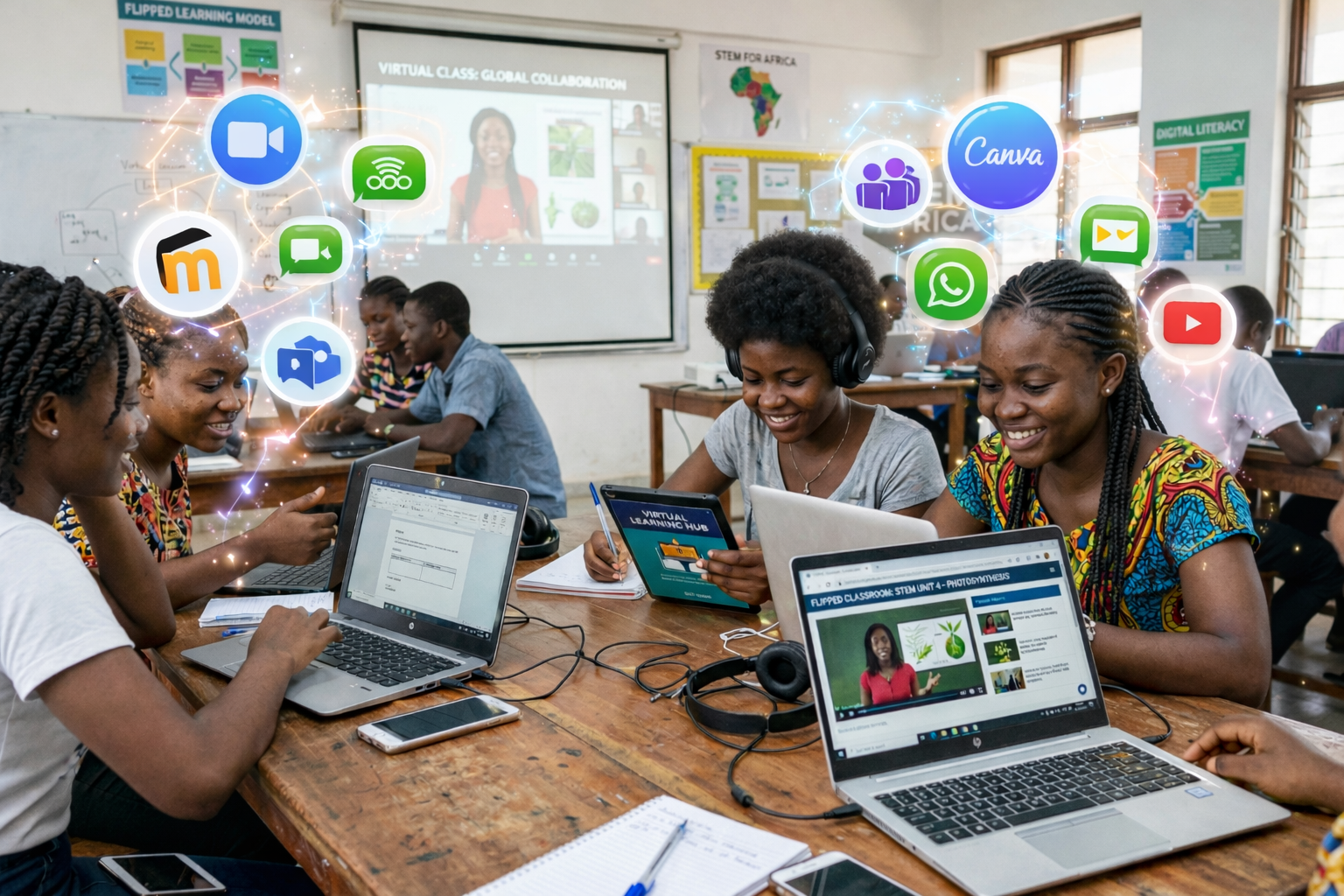
Mastering digital teaching tools and platforms is essential for creating engaging, interactive learning experiences that prepare your students for a technology rich world. When you utilise these tools effectively, you foster collaboration, deepen understanding, and make learning more accessible and enjoyable for all learners. Recent national documents, such as the National Digital Education Strategy, the National AI Guidelines in Education, and the National Guidelines for Schools and Teacher Colleges, emphasise the importance of integrating digital tools, simulations and platforms to strengthen teaching and learning. In this Unit, you will learn to utilise digital tools to enhance classroom engagement, apply simulations in subject-specific teaching, and integrate multiple digital platforms effectively in your practice. By the end of this Unit, you will feel more confident selecting and combining the right tools, simulations and platforms to support interactive, experiential learning in your classroom. This Unit is designed to support you as a creative teacher who transforms curriculum goals into dynamic, technology-enhanced learning experiences.
Unit Competencies
By the end of this Unit, you will develop the following competencies:
Recommended time: 2 hours
Introduction
Digital tools are task-specific applications that help you design, deliver, assess, and support learning activities. They provide practical ways to engage learners, promote collaboration, and make learning more interactive and meaningful. Unlike full digital platforms, these tools focus on specific instructional functions such as content creation, communication, assessment, or collaboration.
For content development, tools like PowerPoint or Canva help you structure lessons visually and present concepts clearly. For assessment, tools such as Quizizz and Kahoot allow you to run live or self-paced quizzes, provide instant feedback, and generate immediate performance summaries that increase participation and motivation. For communication and collaboration, WhatsApp can support structured academic interaction through guided discussions and announcements, while Padlet enables learners to post ideas, share responses, and collaborate on digital boards in real time.
When integrated intentionally, these tools enhance learners participation, encourage peer interaction, and support continuous formative assessment. They strengthen engagement while saving time and improving instructional clarity.
Lesson outcomes
By the end of this lesson, you will develop the following sub-competencies:
Practical
Introduction
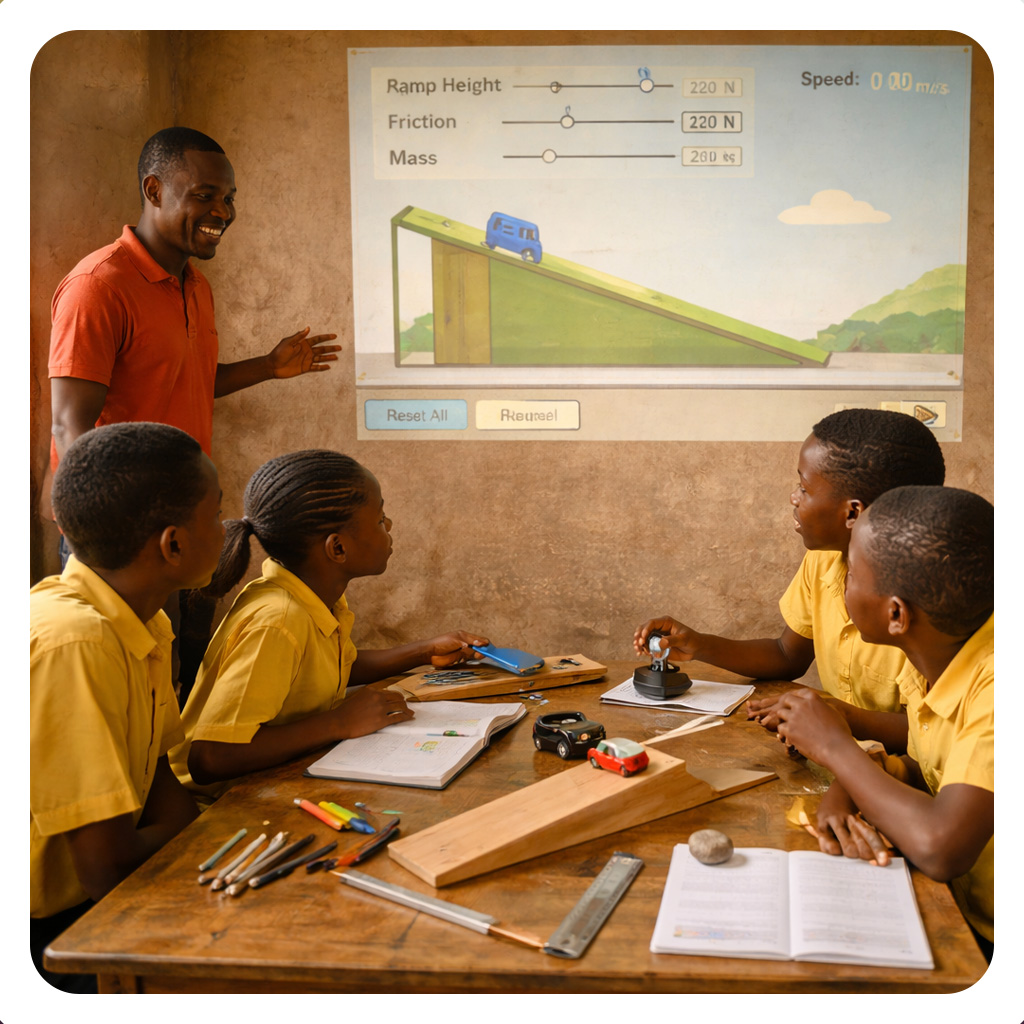
Digital simulations in education use interactive, technology-based scenarios to model real world situations, allowing learners to actively practice skills, test theories, and make decisions in a safe, risk free environment. Furthermore simulations are interactive digital environments that model real life systems, experiments, or processes. They help you present complex concepts engagingly and practically. By allowing learners to manipulate variables and observe outcomes instantly, simulations make abstract ideas easier to visualise and understand.
In teaching, simulations shift learners from passive listening to activeexploration. Students can test predictions, change conditions, collect virtual data, and reflect on results without physical risk or equipment limitations. This makes them especially useful in science and mathematics classrooms.
Examples from platforms such as the Tanzania Institute of Education Open Public School (TIE OPS), PhET Interactive Simulations, and OLabs include:
●
Physics: A circuit construction
simulation where students adjust voltage, resistance, and current to verify
Ohm’s Law.
●
Chemistry: A virtual acid–base titration
experiment where learners add indicator, control concentration, and observe
color change to determine equivalence point.
●
Biology: An interactive cell model where
students explore organelles and simulate processes such as diffusion or
photosynthesis.
Practical
Integrating multiple digital platforms enables teachers to access diverse resources, manage learning activities efficiently, and create interactive learning environments. This lesson introduces three essential platforms which are TIE’s Online Library, TIE’s TCPD platform, and Google Classroom, and demonstrates how they can be used to support teaching, facilitate professional development, and enhance student engagement. By exploring these platforms, you will gain practical skills for leveraging digital tools to improve lesson delivery and foster effective learning experiences.
Digital platforms are structured systems that organise, deliver, and monitor the entire teaching and learning process. They allow you to manage courses, distribute materials, collect assignments, track learner progress, and generate performance reports within one coordinated environment. Unlike single-purpose digital tools, platforms integrate content, assessment, communication, and reporting into a complete instructional system.
Integrating multiple digital platforms enables you to access diverse curriculum aligned resources, manage learning activities efficiently, and create interactive learning environments. For example, TIE’s Online Library provides access to approved textbooks, syllabus documents, and digital learning materials that strengthen lesson preparation. TIE’s TCPD platform supports your professional development through structured training modules and continuous learning opportunities. Google Classroom allows you to organize classwork, post assignments, facilitate discussions, and monitor student participation.
Moodle offers even more advanced course management features. It enables you to structure full course modules, embed simulations and quizzes, apply rubric based grading, automate assessments, generate detailed analytics reports, and track completion rates over time. With Moodle, you can manage blended or fully online learning systematically while maintaining clear records of student performance.
By combining platforms such as TIE resources, Google Classroom, and Moodle, you create a well organised digital ecosystem that supports lesson delivery, professional growth, student engagement, and data informed teaching.
Sub Competencies
By the end of this lesson, you will develop the following sub-competencies:
Practical
It is time to check your understanding of this Unit. Take a quick quiz to see how well you can utilise digital tools for engagement, apply simulations for interactive learning, and integrate platforms effectively in your teaching.
In this Unit, you learned how to utilise digital tools to enhance classroom engagement and foster meaningful student collaboration. You engaged in learning activities and participated in the discussion forum to share what you learned about applying simulations in your subject-specific teaching. You also practised integrating multiple digital platforms effectively to support interactive and experiential learning processes. By exploring these tools, you now have practical strategies to make your lessons more dynamic and learner-centred.
You have done wonderful work building your confidence with digital tools, simulations and platforms for teaching and learning. Now that you can apply simulations and integrate multiple technologies, you are ready to create richer learning experiences for your students. Keep experimenting with these digital resources to deepen engagement and support diverse learning needs in your classroom. Congratulations on completing this unit and strengthening your technology-enhanced teaching practice.

Digital Teaching and Learning Tools and Platforms by Tanzanian Ministry of Education, Science and Technology, is licensed under a Creative Commons Attribution-ShareAlike 4.0 International License.