Welcome

Why this Unit?
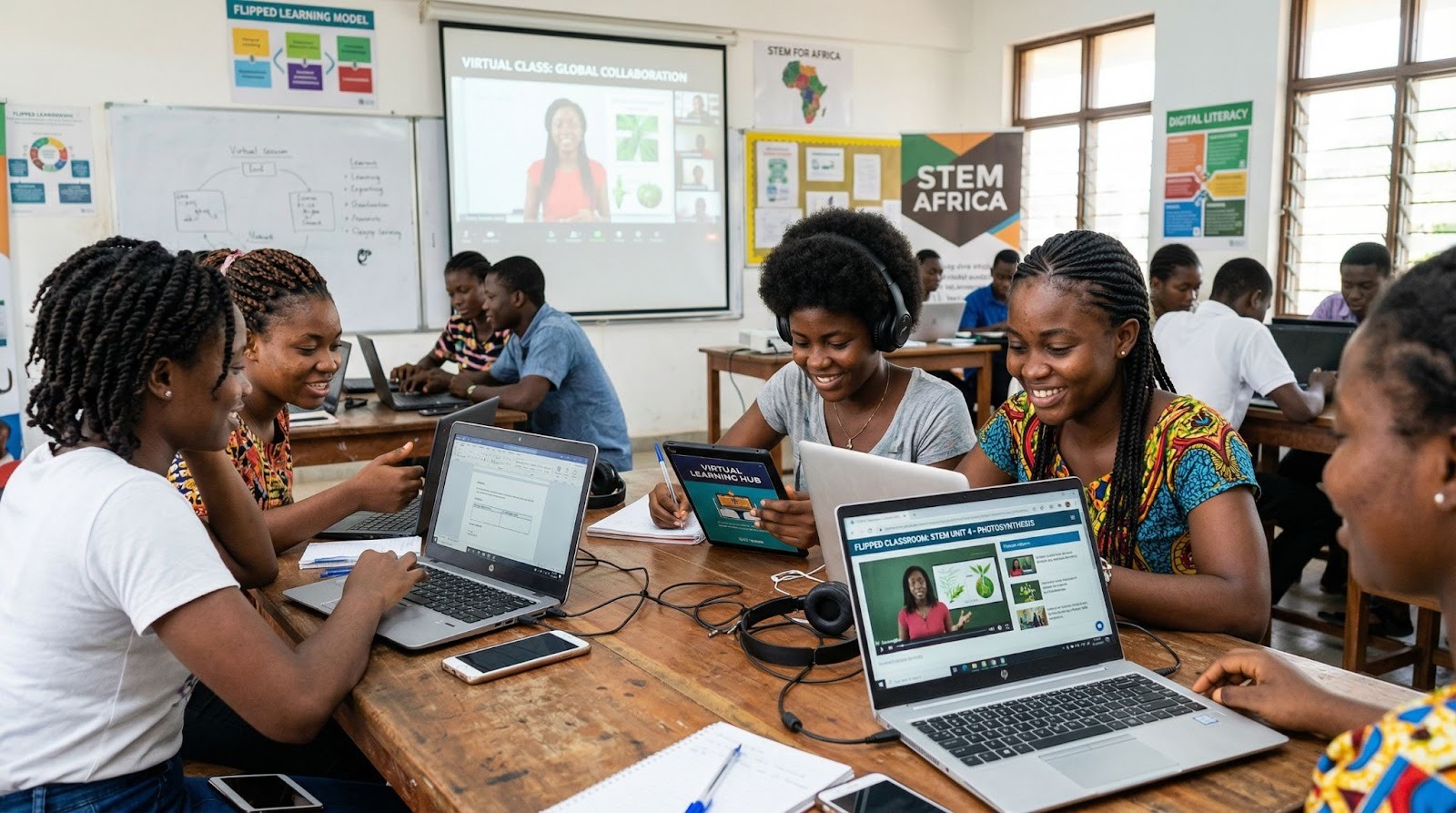
Create Virtual and Flipped Classrooms is an essential Unit that introduces you to innovative instructional models that extend learning beyond the traditional classroom. In today’s classrooms, effective teaching increasingly depends on flexible digital approaches that engage learners both inside and outside the school environment.
In this Unit, you will examine key concepts, analyse digital platforms, and design learning experiences that leverage both virtual and flipped approaches. This Unit is important because it equips you with practical methods for improving lesson delivery, increasing learner participation, and maximising instructional time. By completing it, you will be able to create purposeful digital content and implement virtual and flipped classroom strategies that enrich your teaching practice.
Unit Competencies
By the end of this unit, you will be able to:
To begin your learning journey, complete all the lessons in this unit in the order they appear.
Each link for every lesson contains hands-on activities, and supporting resources that will guide you step-by-step through the course.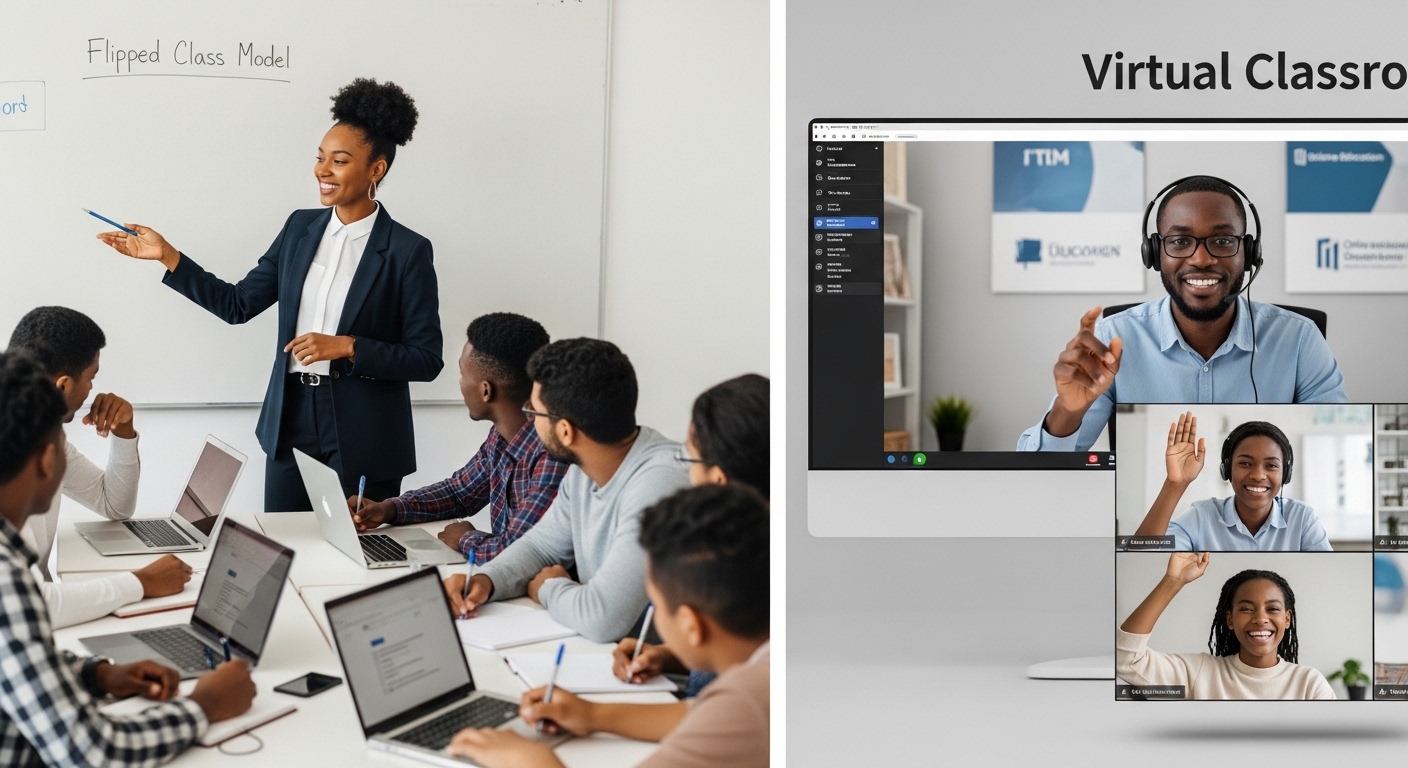 Introduction
Lesson 1 introduces the concepts of virtual and flipped classrooms, highlighting their benefits, challenges, and the rationale for using them in teaching and learning.
Lesson outcomes
By the completion of this Unit, you will be able to:
Categorize digital interactions into synchronous and asynchronous models to determine the most effective communication strategy for your learners needs.
Deconstruct the flipped classroom model to identify how it shifts the focus from teacher-led instruction to learner-led exploration.
Appraise the pedagogical benefits of virtual and flipped learning, with a specific focus on enhancing learner-centeredness and flexibility in your current teaching context.
Formulate mitigation strategies for common implementation challenges, including connectivity gaps, resource limitations, and professional preparation requirements.
Evaluate your own digital teaching practices against the Tanzania ICT Competence Framework for Teachers (2025) to ensure professional alignment and growth.
Begin this lesson by exploring resources 1, 2, and 3. The links include lessons, resources, and activities such as quizzes and discussion forums to support your learning.
Discussion:
Using the reflections from Resource 1 on Flipped Classrooms, and Resource 2 on Virtual Classrooms, reflect on how these approaches can be applied in your teaching context. . Make your plan realistic for your setting (e.g., limited internet, shared devices, offline options).
Quick quiz:
After participating in the forum discussion, test your understanding by completing the short quiz below.
Introduction
This lesson introduces you to the digital platforms and technologies that support the creation and delivery of virtual classrooms and flipped instruction. It highlights both institutional Learning Management Systems (LMS) and external tools that enhance interactivity and learner engagement.
By the end of this unit, you will be able to:
Compare common LMS platforms (Moodle, Google Classroom, Edmodo) to identify the best fit for your teaching.
Utilize synchronous tools like Zoom and Teams, including features like breakout rooms and screen sharing, for live instruction.
Select appropriate digital tools based on your specific school resources and student needs.
Create a Virtual Classroom
This activity below helps you apply your learning by setting up a virtual classroom using Google Classroom. You will create a class, share a resource, invite learners, and post your classroom link in Moodle to demonstrate your progress.
Quick quiz:
After submitting your assignment, test your understanding by completing the short quiz below.
Introduction
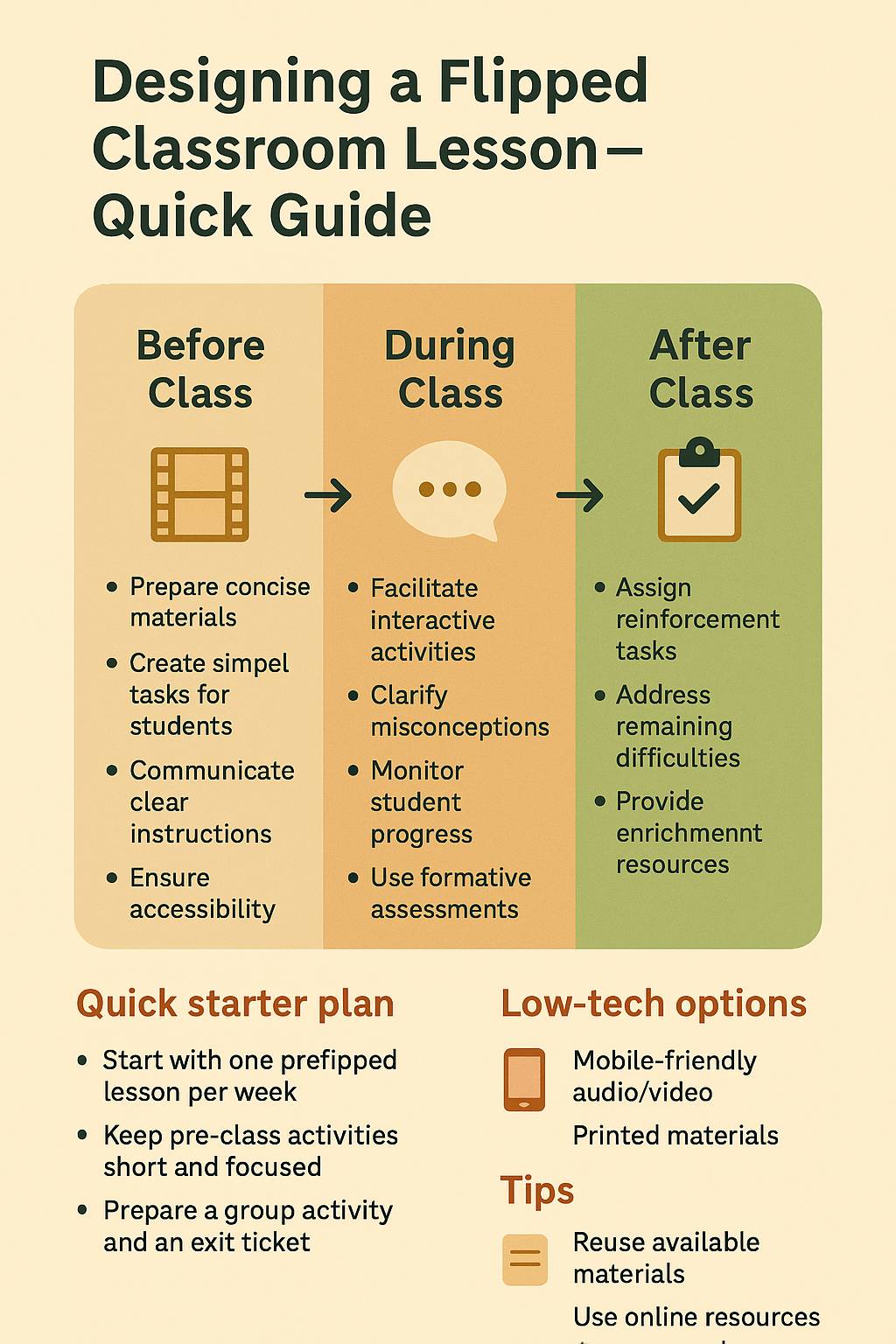
This lesson focuses on the practical steps of designing a flipped classroom model, emphasizing pre-class, in-class, and post-class learning activities. Participants will learn to shift direct instruction outside the classroom and engage learners actively during class time.Unit Learning Outcomes
By the end of this unit, you will be able to:
Implement the flipped classroom design cycle: Before, During, and After Class activities.
Select and develop effective pre-class materials, including videos, readings, and OER.
Facilitate active learning during class through group work, case studies, and collaborative problem-solving.
Discussion: Potential Flipped Classroom Application Forum
The flipped classroom model shifts learning from passive listening to active participation by preparing students before class and engaging them deeply during and after lessons. In this discussion, let’s explore how thoughtful design of pre-class, in-class, and post-class activities can enhance student engagement and understanding — even in settings with limited technology.
Introduction
This lesson equips participants with practical skills to design, adapt, and share digital learning resources. It emphasizes the use of accessible tools, Open Educational Resources (OER), and Creative Commons licensing to ensure responsible and sustainable content development.
By the end of this lesson, you will be able to:
Record short instructional videos using any tool of your choice
Edit short instructional videos using tools like Loom, OBS, or Screencast-o-Matic.
Design interactive learning resources using H5P, Google Forms, Kahoot, or Padlet to engage students.
Adapt Open Educational Resources (OER) specifically for use in your flipped classroom lessons.
Apply Creative Commons licenses and proper attribution to the digital content you use or create.
Quick quiz:
After reading the above article, test your understanding by completing the short quiz below.
After completing all the unit activities, test your understanding by completing this final quiz below.

In this unit, you explored the concepts of virtual and flipped classrooms and their role in extending learning beyond the traditional classroom. You examined the benefits and challenges of these approaches, analysed a range of digital platforms and tools, and considered how virtual and flipped models align with the ICT Competence Framework for Teachers in the Tanzanian context.
You also developed practical skills in designing a flipped classroom lesson, creating and adapting digital learning content, and selecting appropriate technologies based on learner needs, access, and available resources. By the end of this unit, you should feel more confident in using virtual and flipped classroom strategies to increase learner engagement, make better use of class time, and support flexible, learner-centred teaching.
References
Books
Open Educational Resources & Articles
MIT OpenCourseWare. Flipping the Classroom to Facilitate Active Learning. View Resource on MIT OCW
Harvard Bok Center for Teaching. Flipped Classrooms. View Resource on Harvard.edu (Note: This page contains their dedicated section on Flipped Classrooms and active learning strategies).
OpenLearn (The Open University). Flipped Learning. Explore Free Courses on OpenLearn (Note: The Open University's "Flipped Learning" content is typically integrated into their "Modern Pedagogy" or "Educational Technology" free course modules).
Chan, Y. K., et al. (2023). Using open educational resources in studio-based flipped learning. Read Full Article at SpringerOpen
Sun, J. C. Y. (2017). The effect of the flipped classroom approach to OpenCourseWare instruction on students’ self-regulation. Access via ERIC (Department of Education)
Li, Y. (2017). OER-based Flipped Classroom Practice in an Undergraduate Course. Access via International Journal of Educational Technology in Higher Education (Note: Updated to the primary peer-reviewed citation for MOOC/OER-based flipped learning).Video and Multimedia:
Tucker, C. (2012). Flipped Classroom: Beyond the Videos.
Frontline Education. 9 Strategies to Improve Teaching with Video. Read/Watch at Frontline
Faculty Focus. Reimagining the Flipped Classroom: Integrating AI, Microlearning, and Analytics. Read at Faculty Focus
Vimeo Blog. Flipped Classrooms: A Modern Instructional Approach. Read at Vimeo
Sprouts. Formative vs. Summative Assessment Explained.
Edutopia. Mastering Assessment & Evaluation. Watch on YouTube
Teacher Toolkit. Using Google Forms for Feedback.
Simpletivity. How to Make a Student Survey with Google Forms.
GCFLearnFree. Conducting Student Surveys in Google Classroom.
University of San Diego. The Flipped Online Classroom: Strategies for Student Engagement. Read at USD

Create Virtual and Flipped Classrooms Module by Tanzanian Ministry of Education Science, and Technology is licensed under a Creative Commons Attribution-ShareAlike 4.0 International License.
Learning designer:
Adapted OER: